Run the whole destination from one place
One admin for everything the guide shows – listings and destinations, marketing pages, events, kiosks, embeds and analytics – plus a CRM for the businesses and partners behind it. Editors see only their own destination: what follows is the admin as Golden’s editor sees it.
Your destination, and only yours
A destination editor signs in to a dashboard of their own guide: its listings and businesses, claim requests, the review queue, scans and site content. Nothing from any other destination is in view.
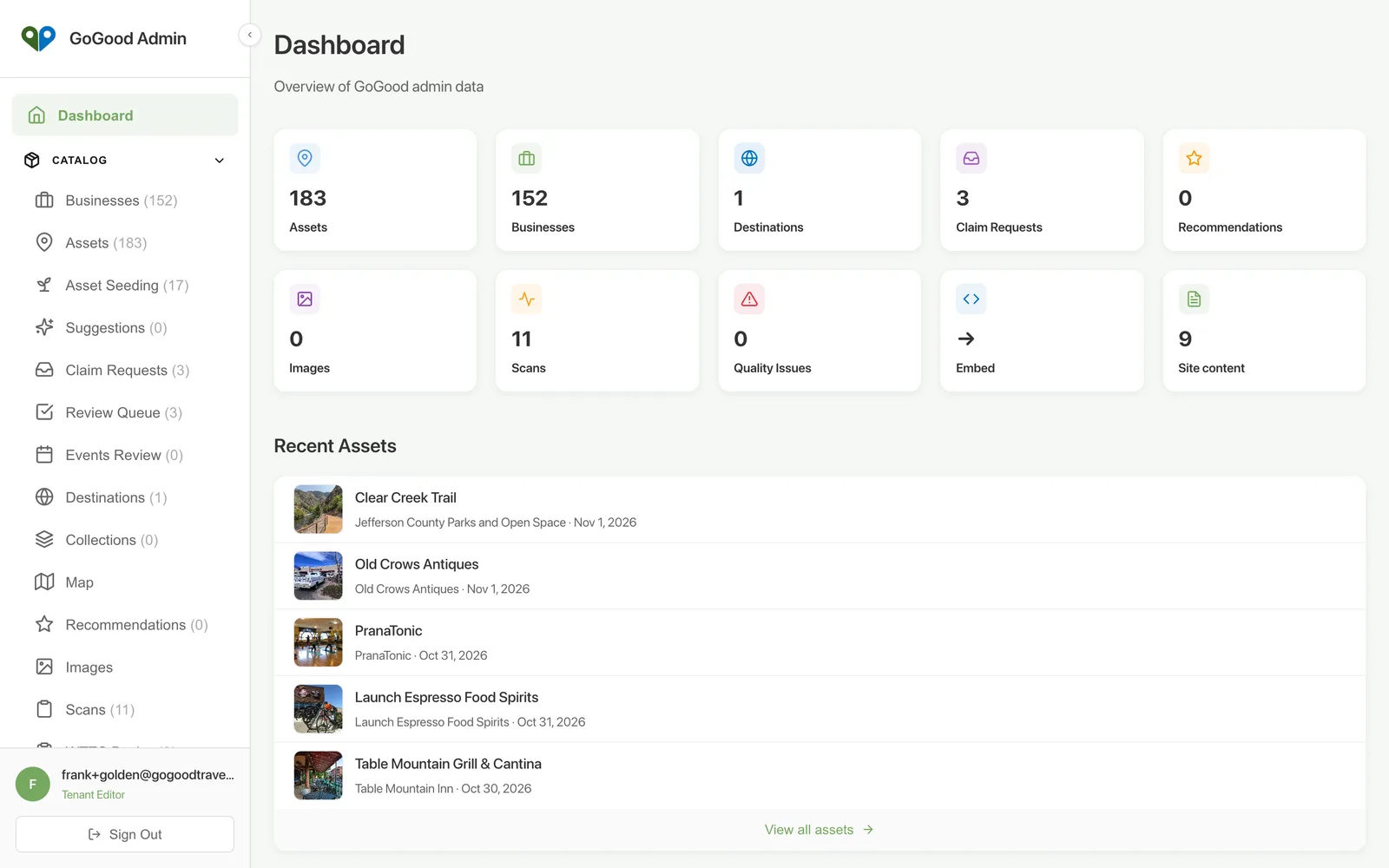
The catalogue at a glance
Search and filter the destination’s listings, see what is published, in draft or pending review, which have a shared Stewardship Score, and where each one came from – an owner, an editor or an import.
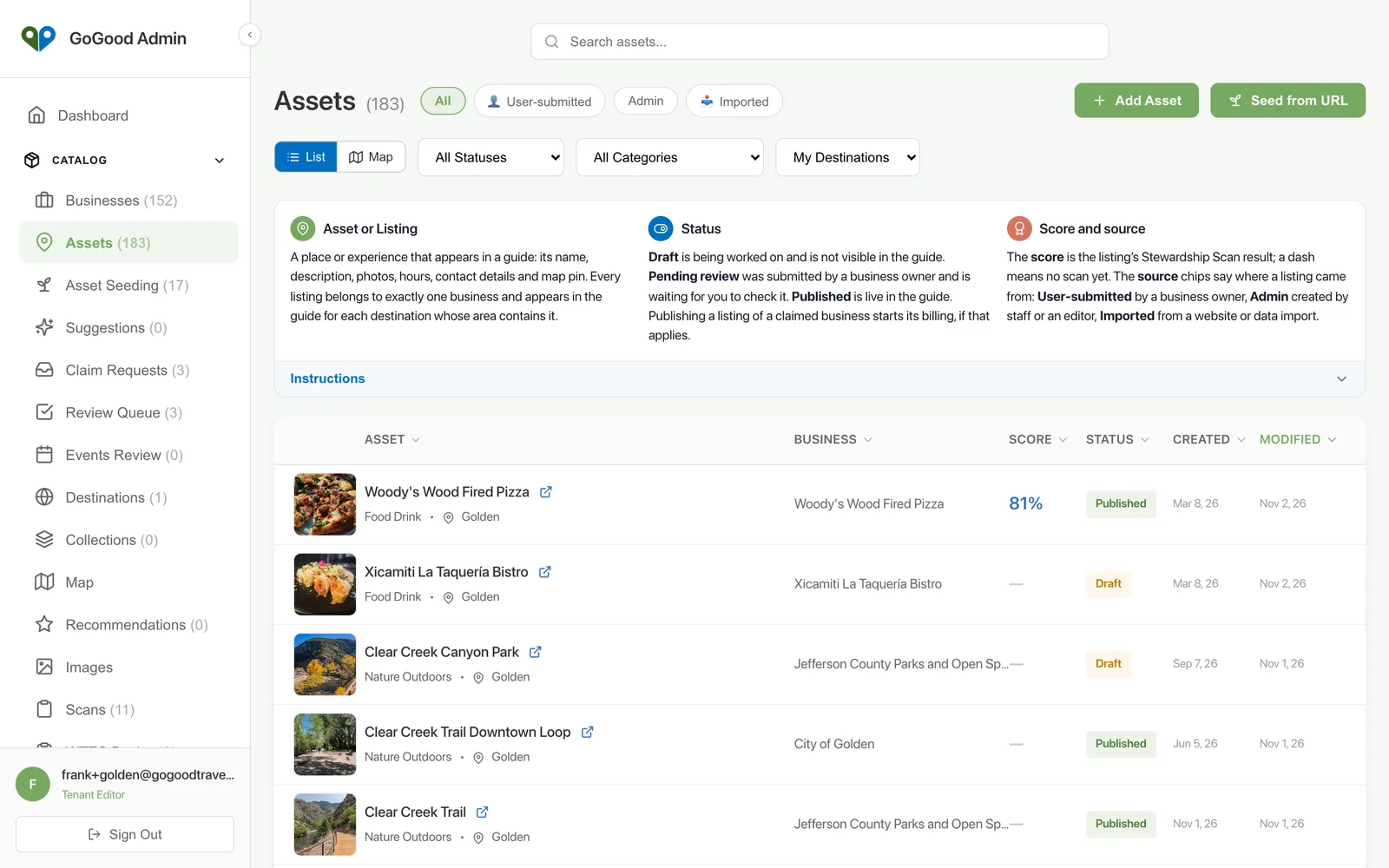
Every listing, one record
Everything a visitor sees on a listing, plus the business it belongs to and the guides it appears in: edit, publish or hide, reassign to another business, or merge a duplicate, with the Scorecard and improvement plan a tab away.
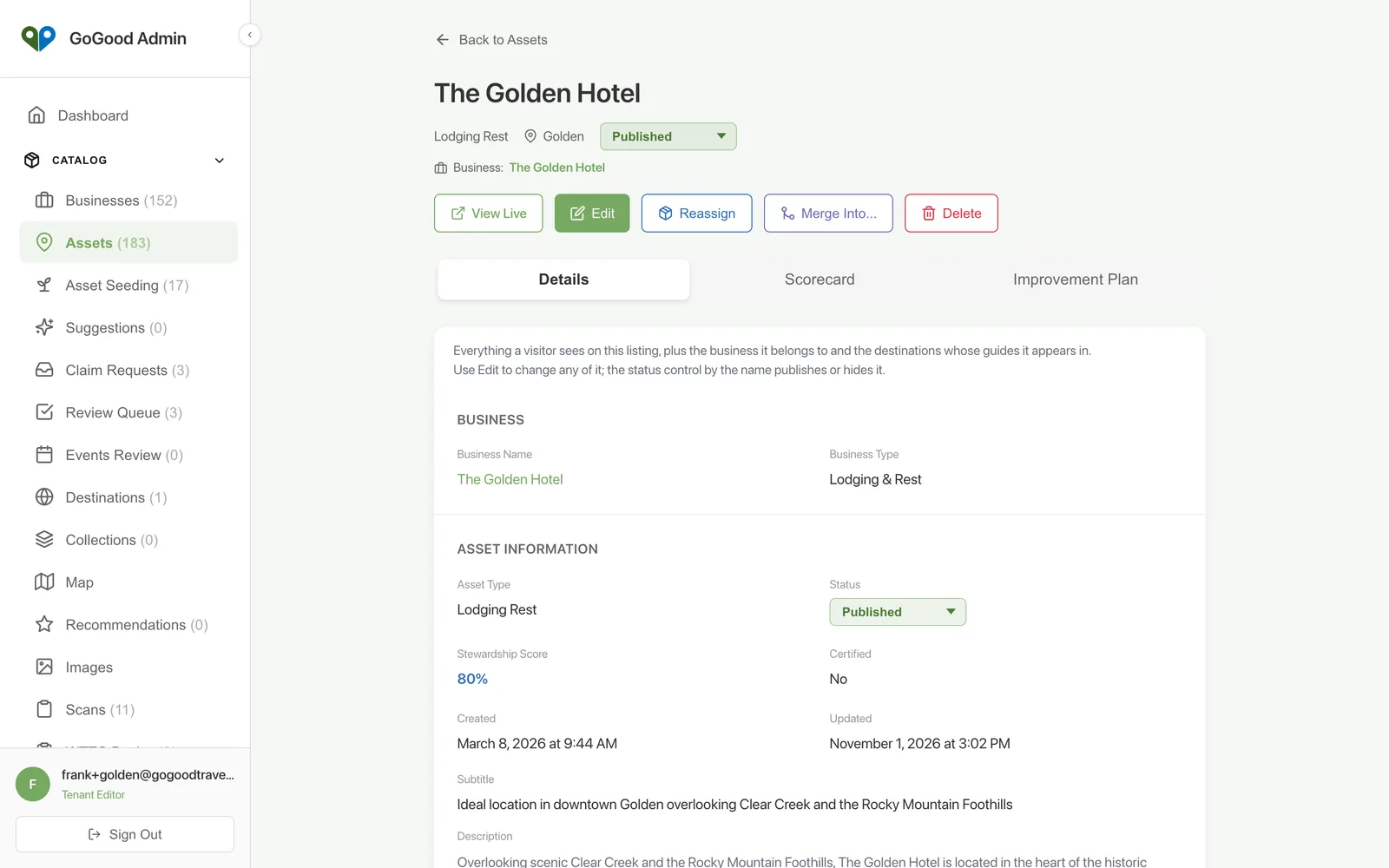
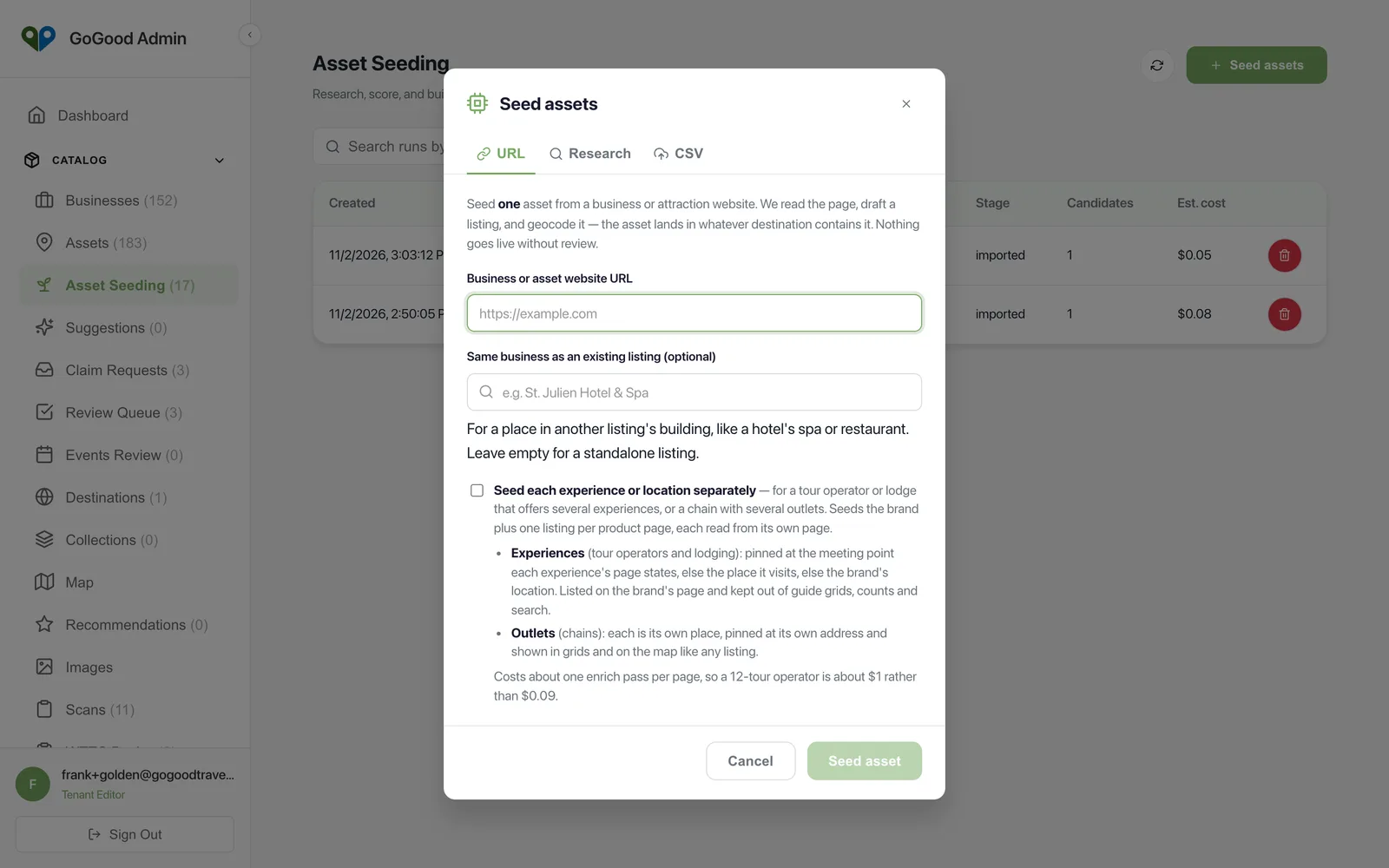
Seed a listing from a web address
To add a business, paste its website. Two or three minutes later a draft listing is waiting for review – name, description, categories, hours, photos, map pin and a linked business record, all drawn from the site. A page that lists several locations or experiences can seed one listing per page.
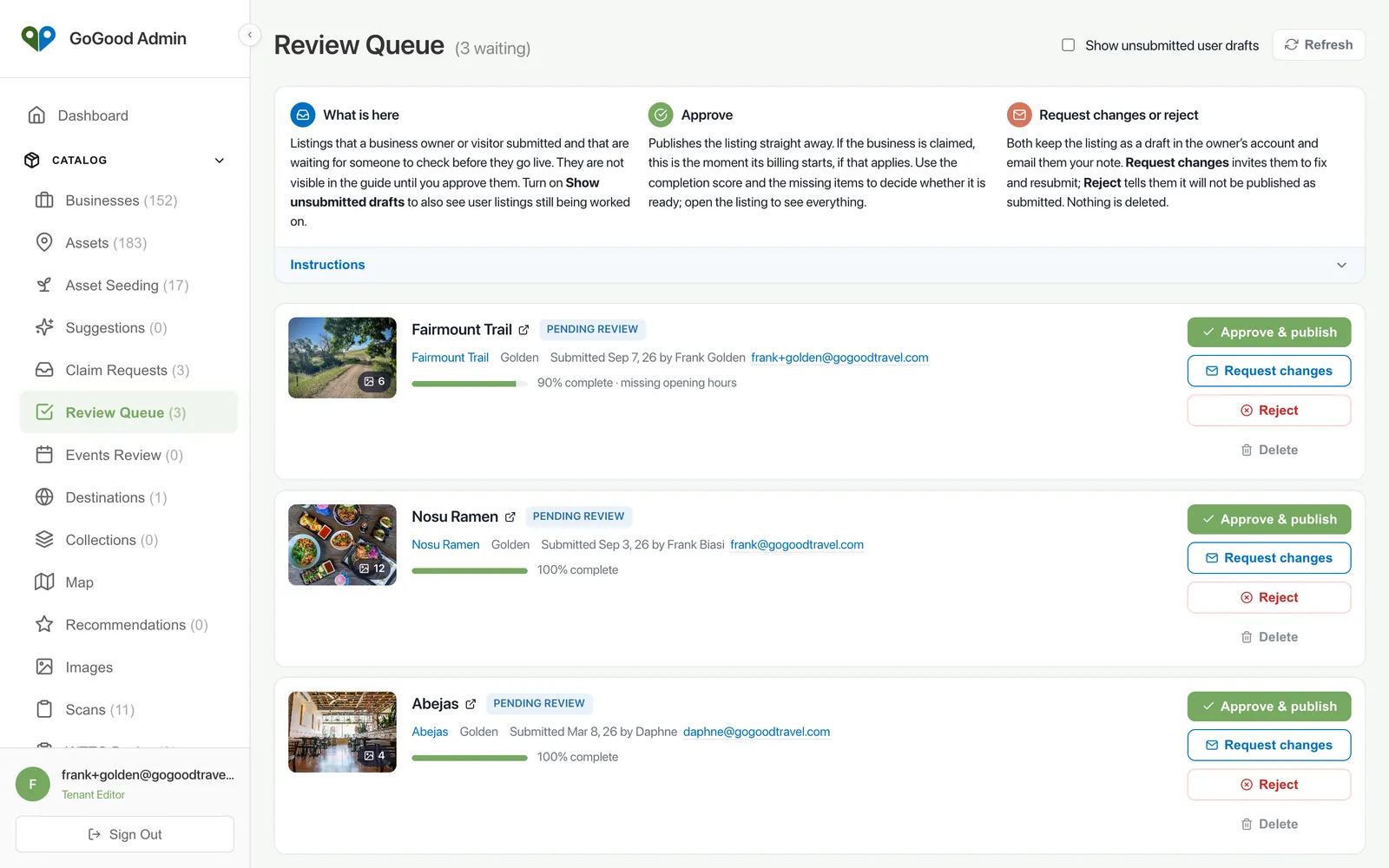
Reviewed before it goes live
Listings an owner submits, event submissions from the community and events found by research all wait in a queue until an editor approves them. Approve and publish, ask for changes with a note, or reject – nothing reaches a visitor unseen.
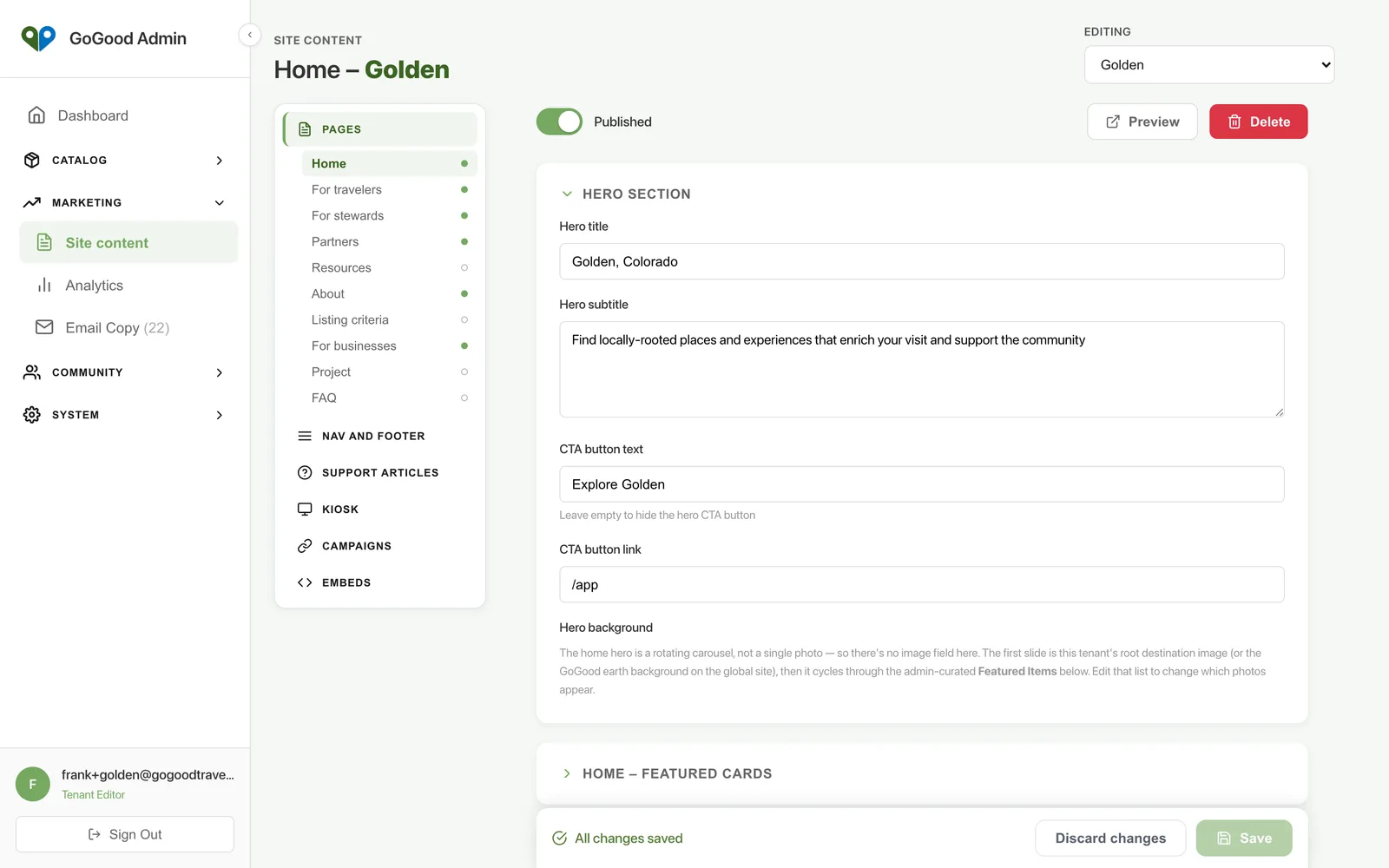
Pages, kiosk and embeds in the same place
The destination’s marketing pages, navigation and footer, support articles, kiosk home and embed snippets are edited under Site content, scoped to the destination.
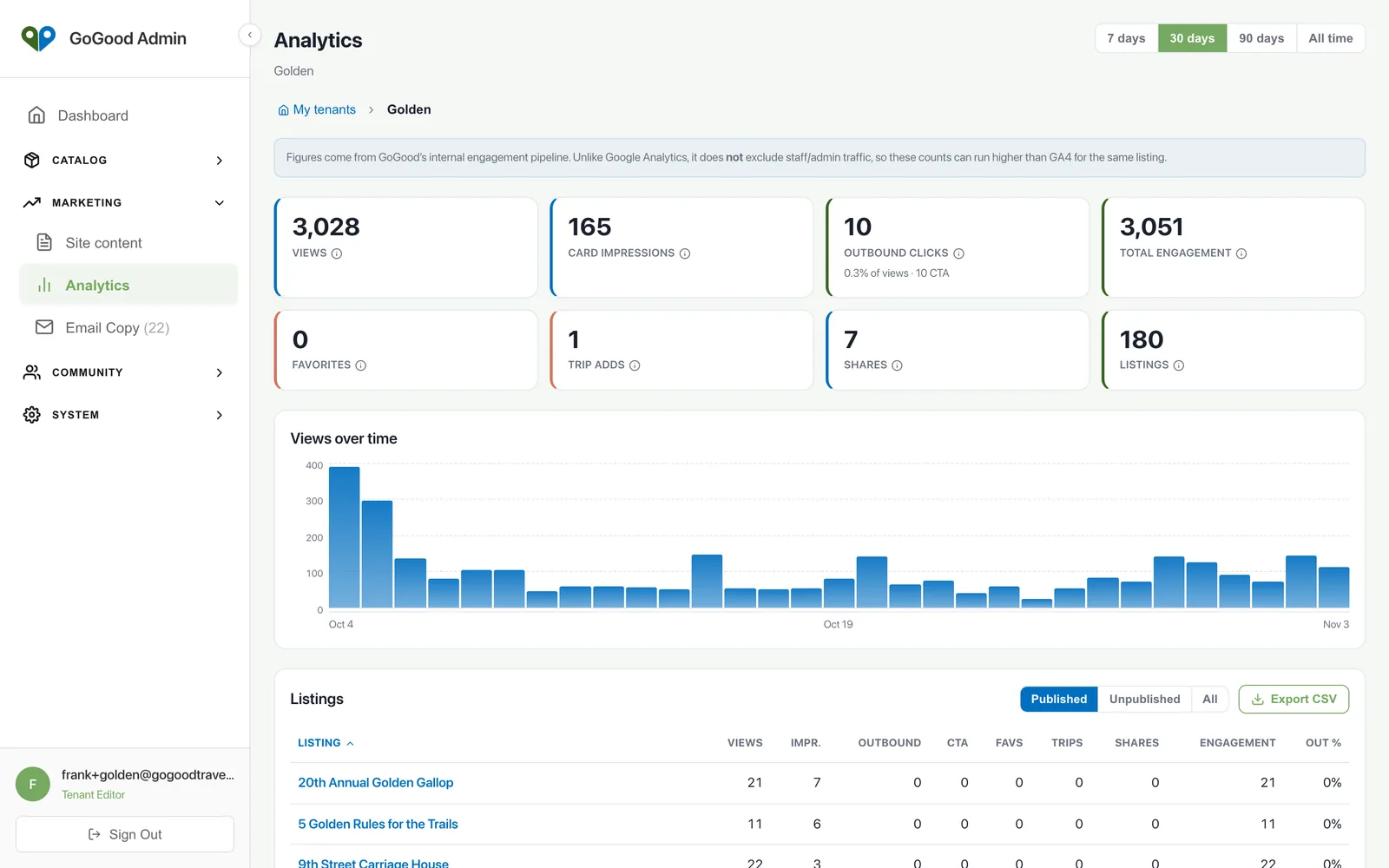
Analytics you can show a board
Views over time, the places and categories visitors open most, kiosk versus phone versus web, and clicks through to businesses – for one destination or rolled up across a region.
A CRM that already knows your businesses
Every business and partner in the guide is a company in the CRM, with its contacts, notes, projects and email sequences – claim invitations, welcomes, reminders to finish a draft listing. Deal state lives here, not in a spreadsheet, and a new listing creates its company automatically.
- Contacts, companies, projects and tasks, linked to the listings they concern
- Inbound form submissions and newsletter subscribers in the same place
- Email sequences with a preview of exactly who will receive the next step
- Editors for one destination, several, or a whole region – every write checked on the server
Works with
Places
Curated listings with photos, hours, directions and direct links. Owners claim their listing and keep it current themselves.
Learn more →Branded site
A destination website – home, audience pages, blog and visitor alerts – with the guide built in, under your logo on your own domain or on gogoodtravel.com.
Learn more →Events
An integrated events calendar: agenda and calendar views, recurring events, community submissions, and an embeddable calendar for partner sites.
Learn more →Start with a call
A CMS, a CRM and an interactive map in one place. Listings, pages, events, kiosks, embeds and analytics, scoped to your destination.
Start with a call